Master Your First Track on Donna AI: Description, Lyrics, or Image-Driven Creation?
Learn how to create your first Donna AI song using descriptions, lyrics, or images with practical tips for beginners.
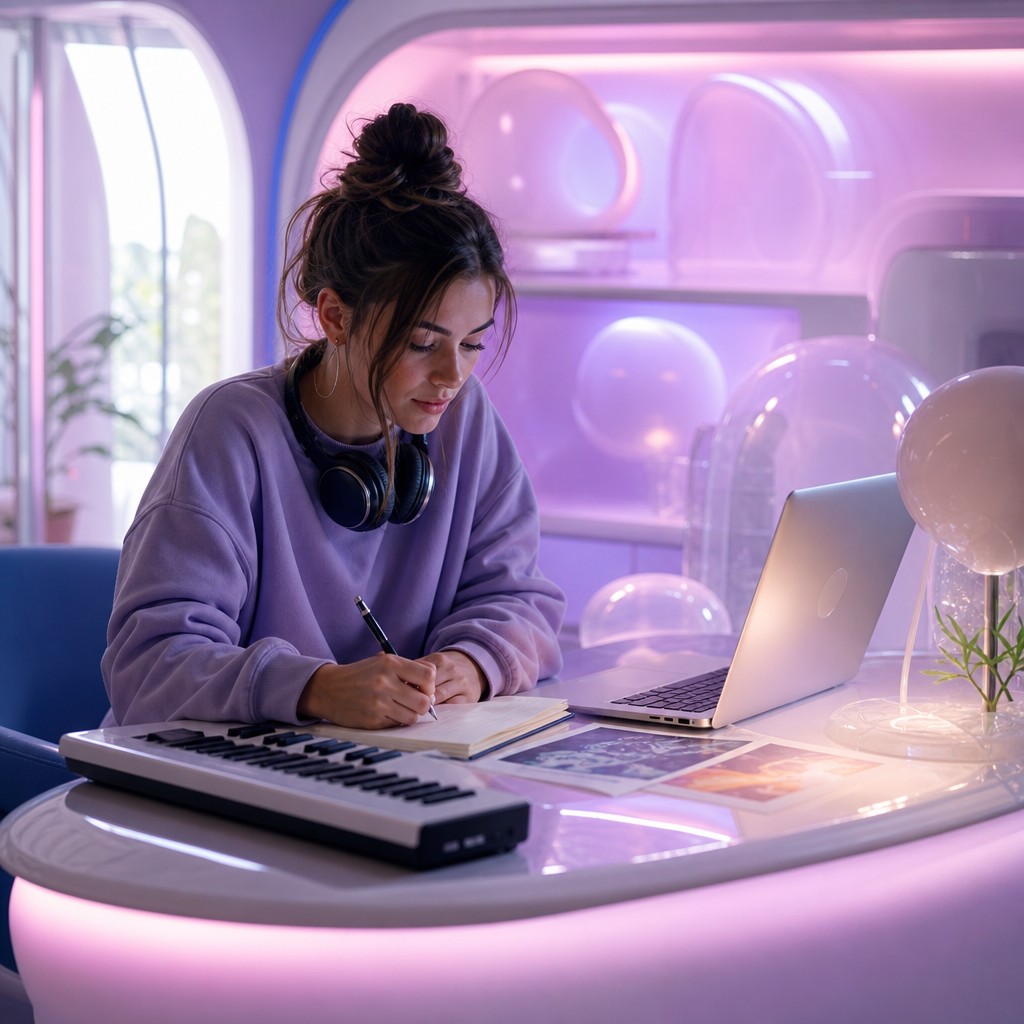
Master Your First Track on Donna AI: Description, Lyrics, or Image-Driven Creation?
AI music creation is moving from a niche experiment to an everyday creative tool. For independent artists, content creators, marketers, podcasters, and complete beginners, platforms like Donna AI are making it easier than ever to turn an idea into a finished track. You no longer need a studio, formal production training, or expensive software to start shaping a sound. What you do need is a clear creative direction.
That is where Donna AI’s flexible creation options become especially useful. Instead of forcing every user into the same workflow, the platform lets you start from what feels most natural: a description, a set of lyrics, or an image. Each input method opens a different creative path, and choosing the right one can make your first song feel more intentional, polished, and personal.
Why Donna AI Is Appealing to First-Time Music Creators
The biggest advantage of Donna AI is accessibility. Traditional music production often involves learning digital audio workstations, plugins, sound design, mixing, arrangement, and vocal processing. While those skills are valuable, they can be overwhelming for someone who simply wants to bring a musical idea to life.
Donna AI reduces that friction by letting users communicate creatively in plain language or through familiar source material. If you can describe a mood, write a chorus, or upload a visual reference, you can begin building a track. This approach reflects a broader trend in generative AI: tools are becoming more conversational, more intuitive, and more responsive to the creative choices of everyday users.
For beginners, the key is understanding which starting point best matches the idea in your head.
Option 1: Create a Song from a Description
Description-based creation is often the easiest entry point. You simply tell Donna AI what kind of track you want, using details about mood, genre, tempo, instruments, and atmosphere.
For example, a strong prompt might be: “Create an upbeat indie pop track with bright guitars, soft electronic drums, and a hopeful summer feeling.” This gives the AI enough context to make useful creative decisions while still leaving room for surprise.
Best for:
- Beginners who do not have lyrics yet
- Content creators who need background music
- Users exploring genres or moods
- Anyone who wants fast results from a simple idea
Tips for better description prompts:
- Be specific about emotion: nostalgic, dreamy, energetic, melancholic, or cinematic
- Mention genre or style: pop, lo-fi, EDM, rock, acoustic, synthwave, trap, or ambient
- Include use case: podcast intro, workout video, travel vlog, gaming montage, or short film
- Add instrumentation ideas: piano, strings, bass, synth pads, drums, guitar, or vocals
The more clearly you define the destination, the more likely Donna AI is to generate something close to your vision.
Option 2: Create a Track from Lyrics
If you already have words, lyric-based creation may be the most emotionally direct route. Lyrics give Donna AI a narrative foundation. They help define the theme, pacing, and emotional arc of the track.
This option is especially powerful for songwriters who have notebooks full of ideas but struggle with melody, production, or arrangement. Instead of starting from a blank session, you can use your lyrics as the creative anchor and let Donna AI build a musical world around them.
Best for:
- Songwriters with verses, hooks, or poetry
- Artists developing demos
- Creators who care most about storytelling
- Users looking for vocal-driven results
How to prepare lyrics for AI generation:
- Separate sections clearly with labels like Verse, Chorus, and Bridge
- Keep lines concise and singable
- Make the chorus memorable and emotionally focused
- Avoid overcrowding the song with too many themes
A good lyric prompt does not need to be perfect. In fact, Donna AI can be a useful brainstorming partner. You can test different versions of a chorus, experiment with emotional tones, and discover which lyrical ideas feel strongest when transformed into music.
Option 3: Create Music from an Image
Image-driven creation is one of the most imaginative ways to use Donna AI. Instead of describing a sound directly, you begin with visual inspiration. The image might be a city skyline at night, a misty forest, a futuristic character, a beach sunset, or abstract artwork. Donna AI then interprets the mood, colors, subject, and atmosphere of that image into music.
This workflow is ideal when your creative idea is visual before it is verbal. Many creators think in scenes, aesthetics, or emotions rather than genres. An image can communicate texture and tone quickly, especially when words feel limiting.
Best for:
- Visual artists and designers
- Filmmakers and video editors
- Social media creators building a mood
- Users who want unexpected musical results
Creative ways to use image-based generation:
- Turn cover art into a matching theme song
- Create music for a video thumbnail or campaign visual
- Build a soundtrack from concept art
- Generate atmosphere for a brand mood board
Image-driven music creation is also great for overcoming creative blocks. If you are unsure what genre you want, start with an image that feels right and let the platform translate that feeling into sound.
Which Donna AI Workflow Should You Choose First?
Your best starting point depends on what you already have.
- Choose description-based creation if you have a mood, genre, or use case in mind.
- Choose lyric-based creation if your song begins with words, a message, or a story.
- Choose image-driven creation if your inspiration is visual, atmospheric, or aesthetic.
There is no single correct workflow. In fact, the most creative results often come from experimenting with all three. You might begin with an image, refine the result with a text description, then add lyrics once the sound feels right.
Final Thoughts: AI Music Creation Is About Direction, Not Perfection
Donna AI is part of a larger shift in music technology: production is becoming more open, faster, and more idea-driven. For first-time creators, that means the barrier to entry is lower than ever. You do not need to know every technical detail before making something meaningful.
The best way to start is simple: pick the input method that matches your strongest idea. If you can describe it, write it, or show it visually, Donna AI can help transform that spark into a track. Your first song may not be your final masterpiece, but it can be the beginning of a faster, more playful, and more accessible creative process.
Ready to create your own song?
Turn any idea into a full track with Donna's AI music generator — in minutes, no experience needed.
Try Donna Now
