Master Your First Track on Donna AI: Description, Lyrics, or Image-Based Creation
Create your first Donna AI track with a description, lyrics, or image. Learn the best method for your music production style.
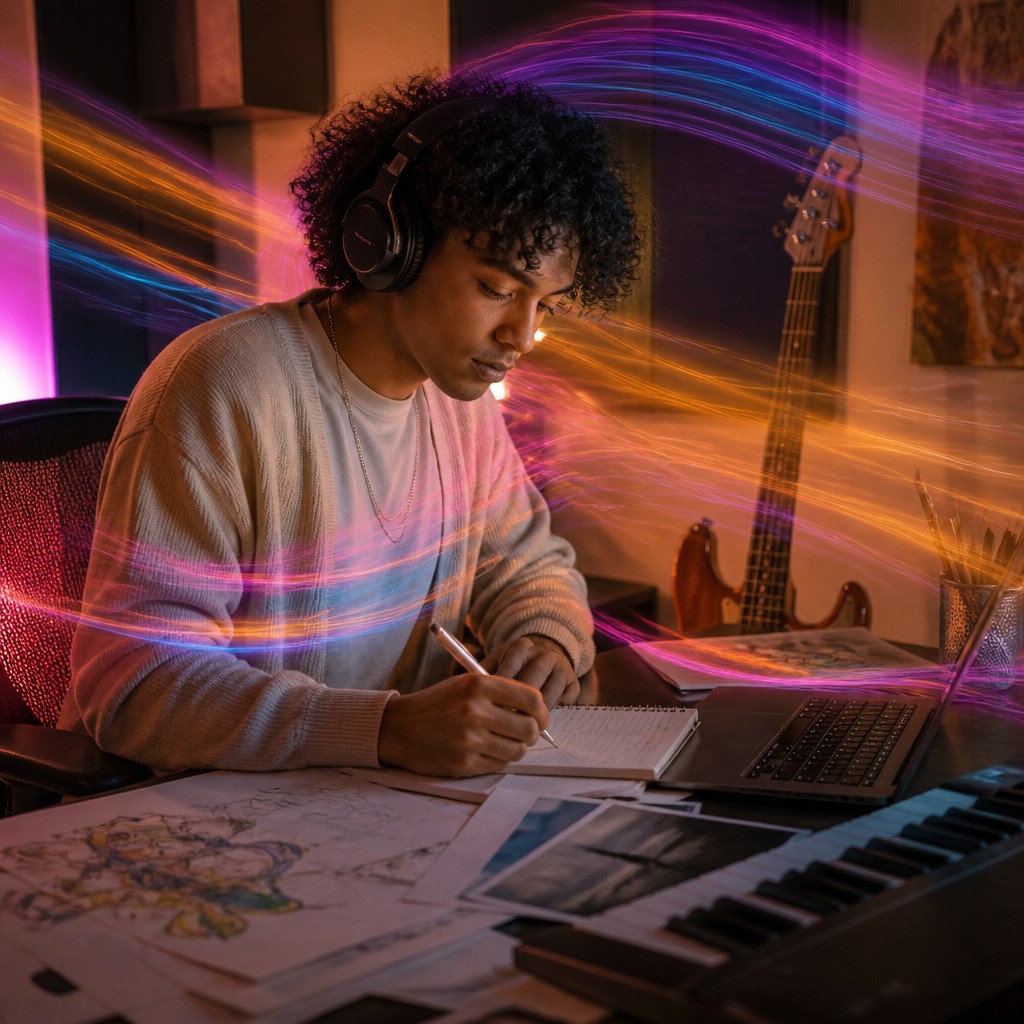
Master Your First Track on Donna AI: Three Creative Paths to Start Making Music
AI-powered music creation has moved from a futuristic idea to a practical tool for everyday creators. Whether you are a songwriter with a notebook full of lyrics, a visual artist inspired by mood and color, or a complete beginner who only knows the vibe you want, Donna AI gives you multiple ways to turn an idea into a finished track.
For first-time users, the biggest question is not whether you can create music with AI. It is how you should begin. Donna AI makes that choice easier by offering three intuitive creation methods: generating a song from a description, transforming your own lyrics into music, or converting an image into a track. Each approach serves a different creative personality, and understanding the strengths of each one can help you get better results from your very first session.
Why Donna AI Is Built for New Music Creators
Music production used to require technical knowledge, expensive software, studio equipment, and hours of editing. Donna AI changes that workflow by focusing on creative intent first. Instead of asking users to build a track from scratch with complex tools, it lets them communicate the idea in a natural way.
That is especially valuable for beginners because the blank canvas can feel intimidating. With Donna AI, you can start with something simple:
- A short mood-based description
- A set of original lyrics
- A photo or visual reference
- A genre, theme, or emotional direction
- A rough concept for a song you want to hear
The platform then interprets your input and helps shape it into a musical result. This makes the process more accessible while still leaving room for creativity, experimentation, and personal expression.
Option 1: Create a Song from a Description
The description-based method is ideal if you have an idea but no lyrics or musical structure yet. You simply describe what you want the song to feel like, sound like, or communicate. For example, you might request an energetic pop track about new beginnings, a cinematic electronic song for late-night driving, or a melancholic acoustic ballad about distance and memory.
This approach works well because it lets Donna AI focus on the full creative direction. Your description can include genre, mood, tempo, instruments, topic, vocal style, and atmosphere.
Tips for Better Description-Based Songs
To get stronger results, be specific without overcomplicating the prompt. Instead of writing only upbeat song, try a more detailed concept such as: an upbeat dance-pop track with bright synths, confident female vocals, and a chorus about starting over after heartbreak.
Helpful details include:
- Genre: pop, trap, rock, Afrobeat, EDM, country, lo-fi, R&B
- Mood: joyful, dark, nostalgic, romantic, aggressive, dreamy
- Tempo: slow, mid-tempo, fast, energetic
- Theme: love, ambition, loneliness, celebration, self-growth
- Vocal direction: soft vocals, emotional delivery, rap verses, choir-like chorus
Description-based creation is the best starting point if you want Donna AI to surprise you while still following your overall vision.
Option 2: Turn Your Lyrics into a Complete Track
If you already write lyrics, poems, hooks, or verses, Donna AI can help you hear them as a song. This method is especially exciting for lyricists who may not play instruments or produce music. Instead of leaving words on a page, you can transform them into a full arrangement with vocals, rhythm, and emotional impact.
Lyrics-based creation gives you more control over the message of the track. You define the story, phrases, and emotional arc, while Donna AI helps interpret the musical style around them. This can be useful for personal songs, demos, social media releases, or testing different genre versions of the same lyrics.
How to Prepare Lyrics for Donna AI
Before generating a track, organize your lyrics clearly. You do not need a perfect industry-standard structure, but sections help the AI understand the flow.
Consider using labels like:
- Verse 1 for the opening story
- Pre-Chorus for rising tension
- Chorus for the main message or hook
- Verse 2 for development
- Bridge for contrast or emotional shift
A strong chorus is particularly important. In modern music, the chorus often carries the most memorable phrase. If you want your first Donna AI song to feel polished, make sure your hook is clear, repeatable, and emotionally direct.
This option is best for creators who want the final track to feel deeply personal.
Option 3: Convert an Image into a Song
Image-driven music creation is one of Donna AI's most creative features because it connects visual emotion with sound. Instead of typing a detailed prompt, you can upload or select an image that captures the feeling you want. Donna AI then uses the visual mood, colors, subject, and atmosphere as inspiration for a track.
This is a powerful option for visual thinkers. A sunset photo might inspire a warm acoustic song. A neon city image could lead to synthwave or electronic pop. A dramatic landscape might become cinematic, orchestral, or ambient.
When Image-Based Creation Works Best
Choose this method when the feeling is easier to show than explain. It is also useful for content creators who need music that matches a visual campaign, short video, artwork, brand identity, or social post.
Image-based creation can be especially effective for:
- Visual artists looking to add sound to their work
- Video creators searching for mood-matched music
- Social media creators building reels or short-form content
- Musicians seeking unexpected inspiration
- Beginners who do not know how to describe a genre
The key is choosing an image with a strong atmosphere. Clear lighting, emotion, color contrast, and subject matter can all help guide the final result.
Which Donna AI Method Should You Choose First?
There is no single best method for everyone. The right choice depends on how you naturally think about creativity.
If you think in concepts, start with a description. If you think in words and stories, start with lyrics. If you think visually, start with an image. You can also experiment with all three methods to compare results and discover which workflow feels most natural.
For your first track, the goal should not be perfection. The goal is to learn how your input affects the output. Try creating multiple versions with small changes. Adjust the mood, genre, or wording. Use a different image. Rewrite the chorus. This process will help you understand how Donna AI responds and how to guide it more effectively.
Practical Tips for a Better First Track
Before you generate your first song, keep these practical tips in mind:
- Start with a clear emotion: Happy, sad, confident, nostalgic, or mysterious is easier to translate into music than a vague idea.
- Name a genre if you have one in mind: Genre gives the AI an important creative framework.
- Use concise prompts: Clear and focused input often works better than overly long instructions.
- Experiment with variations: A small change in wording can create a noticeably different track.
- Listen like a producer: Pay attention to vocals, energy, structure, and whether the track fits your intended use.
The Future of First-Time Music Creation
Donna AI reflects a larger trend in music technology: creation tools are becoming more intuitive, multimodal, and accessible. Instead of requiring users to adapt to production software, platforms like Donna AI adapt to the way people already express ideas.
That shift matters. It opens music creation to more people, including writers, influencers, visual artists, small businesses, hobbyists, and independent creators. A first track no longer has to begin in a studio. It can begin with a sentence, a lyric, or an image.
Final Thoughts
Creating your first track on Donna AI is about choosing the creative doorway that feels most natural to you. A description gives you speed and flexibility. Lyrics give you personal storytelling and control. An image gives you mood, atmosphere, and visual inspiration.
Whichever path you choose, Donna AI makes the process approachable while still leaving space for originality. Start simple, experiment often, and let your first track become the beginning of a much bigger journey in AI-powered music production.
Ready to create your own song?
Turn any idea into a full track with Donna's AI music generator — in minutes, no experience needed.
Try Donna Now
