How to Write an Original Christmas Song in 2026 Without Copying a Holiday Classic
Write an original Christmas song in 2026 with personal lyrics, fresh melodies, and Donna AI tools—without borrowing from holiday classics.
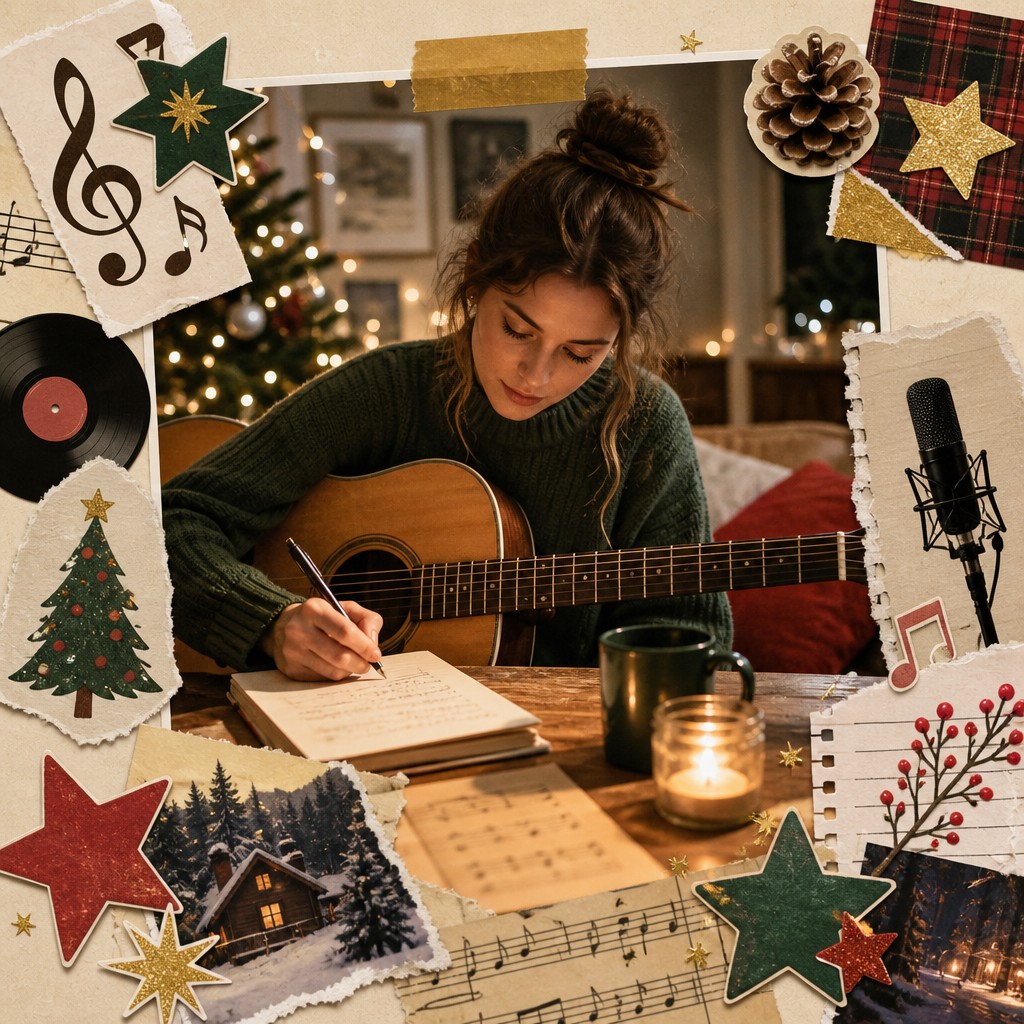
Write a Christmas Song That Feels Familiar—and Entirely Yours
Holiday music has a special challenge: listeners want the warmth and wonder they associate with the season, but they have also heard the classics countless times. The good news is that an original Christmas song does not need a familiar melody or borrowed lyric to feel festive. It needs a clear point of view, memorable details, and a sound that brings those details to life.
Donna AI can help creators turn a seasonal idea into a complete song, from a first description or lyric draft to realistic vocals and a shareable music video. The creative choices still begin with you. Use the tools to explore possibilities while keeping the story, emotional focus, and distinctive touches your own.
Start With a Specific Holiday Moment
A broad idea such as “Christmas is magical” can be a useful starting point, but it is difficult to make memorable. A specific moment gives your song something listeners can picture: the last bus home on Christmas Eve, a recipe card covered in flour, a quiet walk after the first snowfall, or a family call that crosses time zones.
Write down a few details before you think about the chorus. Consider what the room sounds like, what someone is holding, or what has changed since last year. These small observations make a lyric personal and help it stand apart from familiar holiday imagery.
Try answering these prompts:
- Who is the song about, and what do they want?
- Where does the most important moment happen?
- What detail could only belong to this story?
- Does the song feel joyful, wistful, funny, peaceful, or complicated?
A Christmas song can be tender or bittersweet as well as celebratory. Choosing an honest emotional angle is often more original than trying to include every seasonal symbol.
Build a Fresh Song Description
Donna AI’s Song Description feature gives you a practical way to turn a rough concept into a musical direction. Instead of asking for a generic holiday song, describe the scene, mood, tempo, instrumentation, and vocal character you have in mind. For example, you might request a gentle, intimate song about someone returning to their hometown, with a gradual build and a hopeful final chorus.
The more useful your description, the easier it is to evaluate the result. Name the feeling you want listeners to leave with, but avoid directing the song to imitate a specific artist or famous track. You can evoke broad qualities—like acoustic warmth, playful swing, or cinematic orchestration—without borrowing another song’s identity.
Write Lyrics From Your Own Perspective
Use the Lyrics feature to develop a draft, or bring your own words and refine them. If you are starting with AI-generated lyrics, treat the first version as raw material rather than a finished statement. Replace general phrases with details from your own experience, and read each line aloud to check its rhythm and naturalness.
A simple structure can help organize the story:
- Verse one: Establish the setting and introduce the person or situation.
- Chorus: Express the central feeling in a concise, repeatable way.
- Verse two: Add a new detail or reveal how the situation has changed.
- Bridge: Offer a different perspective before the final chorus.
This is a flexible framework, not a rule. You can shorten it, add a refrain, or use a less conventional structure if that better serves the song. Focus on creating your own hook: a phrase, image, or rhythmic idea that listeners can remember without echoing a classic.
Choose a Sound That Supports the Story
Genre selection can transform the same lyric into very different experiences. A song about a quiet winter reunion might suit folk or soft pop, while a playful account of holiday travel could work as upbeat pop, jazz-inspired music, or an unexpected electronic arrangement. Choose the style to match the story instead of defaulting to the sound of a well-known seasonal standard.
Donna AI’s realistic vocals can help bring a draft to life and make it easier to judge how the melody and words work together. Listen for whether the performance feels right for the lyric, whether important phrases are easy to understand, and whether the chorus has enough contrast to stand out. If a section feels short or underdeveloped, track extension can help you explore a longer arrangement and give the song room to build.
Turn a Visual Idea Into Music—and Share the Result
Sometimes the first spark is an image rather than a lyric. With Image to Song, a festive photograph or illustration can provide a starting point for exploring mood and musical direction. Use the visual as inspiration, then connect the resulting idea to a clear story of your own.
When the song is ready, Donna AI’s AI music video tools can help you create a visual accompaniment for sharing. Keep the visuals consistent with the song’s point of view: a personal, understated track may call for intimate scenes, while a lively chorus might suit brighter, faster-moving imagery. A coherent presentation helps listeners connect with the song without relying on familiar holiday references.
A Practical Originality Check
Before publishing, review the song as a whole. Ask whether its melody, lyric phrases, arrangement, and overall structure feel like your own choices. A seasonal mood may naturally bring to mind bells, snow, lights, or gathering together; those broad themes are part of the holiday landscape. The goal is to avoid reproducing a recognizable combination of another song’s distinctive elements.
Listen again after a break, make changes where something feels too familiar, and keep the details that make the song personal. With a strong story and thoughtful use of Donna AI’s songwriting and production features, you can create Christmas music that feels warm, shareable, and genuinely original.
Ready to create your own song?
Turn any idea into a full track with Donna's AI music generator — in minutes, no experience needed.
Try Donna Now
