How to Turn a Wedding Speech Into a Song With Donna AI: The 2026 Wedding Keepsake Trend
Turn wedding vows or a heartfelt toast into a personalized song with Donna AI. Explore lyrics, music styles, vocals, and video tips for a lasting keepsake.
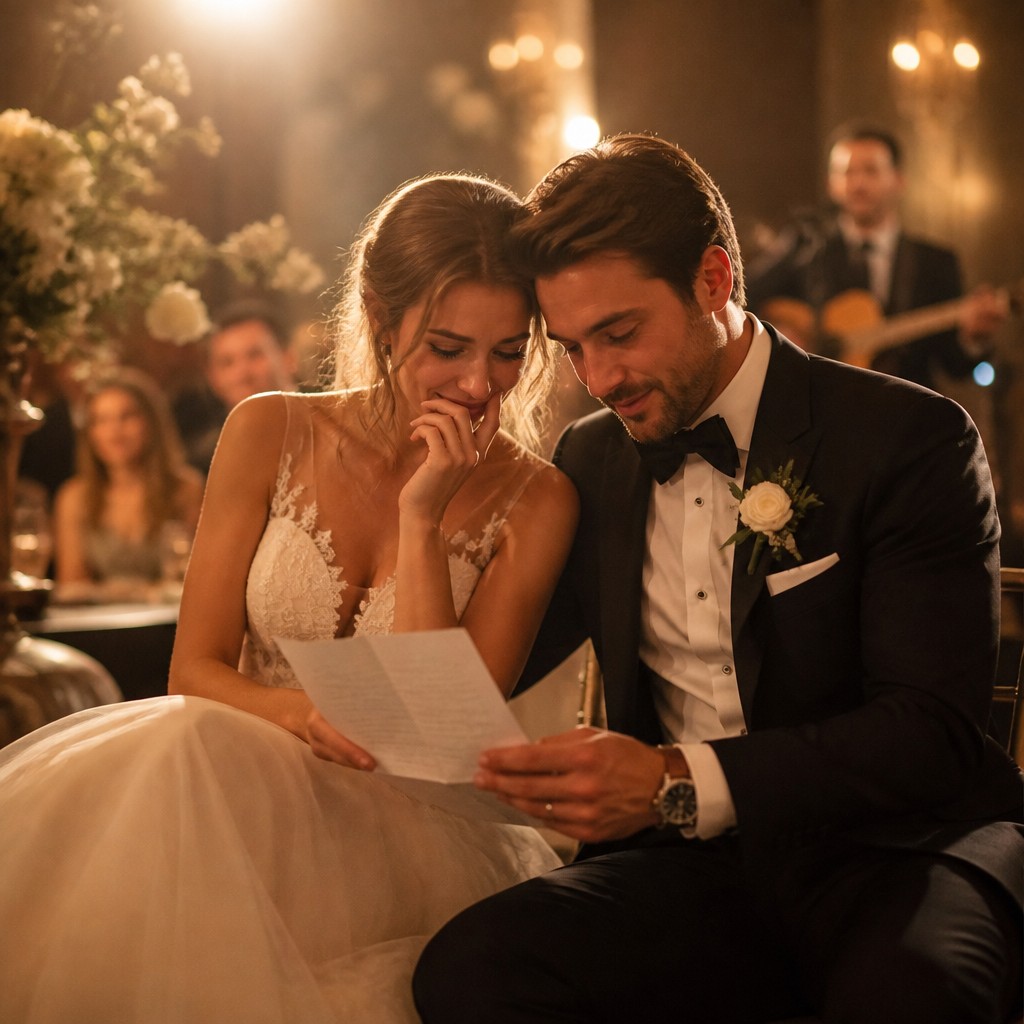
A wedding speech can hold a whole story: the first meeting, the funny mishaps, the qualities everyone admires, and the hopes shared for the future. In 2026, couples and their loved ones are finding new ways to preserve those moments. One thoughtful idea is to transform a toast, vow, or reception speech into an original song with Donna AI.
A song can make a personal message easier to revisit and share. It might become a private keepsake for the couple, a surprise from a best friend, or the soundtrack to a short wedding video. With Donna AI’s Lyrics, Song Description, AI Music Video, Extend, and vocal generation features, you can shape the idea into a polished creative project without needing to be a songwriter or producer.
Why turn a wedding speech into a song?
A great speech is already rich in emotion and detail. Turning it into music gives those words a new form while keeping the people and memories at its center. The result can feel more personal than a generic wedding song because it draws on stories, phrases, and moments that matter to the couple.
It also suits different kinds of wedding projects:
- For couples: Make a musical keepsake from your vows or a message you wrote for each other.
- For best friends: Turn a toast into a surprise that captures your friendship and the couple’s story.
- For parents and family: Celebrate a meaningful milestone with a song built around a personal message.
- For wedding creators: Add an original, story-driven soundtrack to a recap or social-ready video.
Step 1: Choose the right speech and gather details
Start with a speech, toast, or set of vows that feels meaningful. You do not have to use every sentence. A few vivid details can be more effective than a long transcript. Look for a memorable first-meeting story, a shared tradition, a line that made people laugh, or a sincere wish for the couple’s future.
Before using the text, remove private details that the couple would not want shared. If the speech belongs to someone else, ask permission before turning it into a song or posting the result. These simple steps help keep the finished piece thoughtful and respectful.
Step 2: Shape the words with Lyrics
Use Donna AI’s Lyrics feature to help organize the material into song form. You can start with a full speech or provide selected ideas and phrases. A useful structure might include a verse that tells the story, a chorus that expresses the central feeling, and a second verse that looks ahead.
Keep the most personal details. A particular nickname, a small everyday habit, or a familiar anecdote can make the lyrics sound connected to the couple rather than interchangeable. Review the result and adjust any wording that changes the speaker’s meaning or no longer sounds natural when sung. The speech is your source material; the final lyrics should still feel true to its message.
Step 3: Describe the sound you want
The Song Description feature helps communicate the musical direction. Think about the mood before choosing a genre: romantic and intimate, joyful and celebratory, gently humorous, or reflective. You can also consider the energy, instrumentation, and vocal character that would fit the occasion.
Be specific but concise. For example, describe a warm acoustic ballad with a gradual lift into an uplifting chorus, or a bright, modern pop song that feels suitable for a reception montage. A clear description gives the generation a stronger creative brief and helps keep the music aligned with the speech.
Match the music to the moment
A private anniversary keepsake may call for a quieter, more intimate arrangement. A surprise played at the reception might benefit from a memorable chorus and a more celebratory feel. If you plan to use the song in a video, consider how its tempo and emotional arc will work with the images you want to show.
Step 4: Generate vocals and refine the song
Donna AI’s realistic vocal generation can bring the lyrics and musical direction together as a complete listening experience. Listen through the result and check that the words are understandable, the emotional tone feels right, and the song’s length suits your purpose. If a line sounds awkward or a detail needs to be clearer, revise the lyrics or description and try another version.
Use Extend when you want to develop a promising idea into a longer track. This can be useful if you need more space for another story, a fuller musical progression, or a version that better fits a video. Take time to compare options rather than assuming the first generation is the final one.
Step 5: Create a visual keepsake
Once you have a version you love, Donna AI’s AI Music Video feature can help pair the song with a visual presentation. Think about the intended audience and where you plan to share it. A private keepsake could focus on meaningful photos and personal moments, while a social-ready edit may benefit from a shorter, clear emotional arc.
Before sharing, confirm that you have permission to use any photos, video clips, or personal words included in the project. For a public post, consider whether the couple is comfortable with the song and visuals being shared beyond friends and family.
Make the song personal, not perfect
The heart of this idea is the story, not technical polish alone. Keep the details that make the speech unmistakably yours, choose a sound that fits the people and occasion, and review the final lyrics with care. A few sincere lines can mean more than a complicated production.
Turning a wedding speech into a song offers a fresh way to carry the emotion of the day into the future. With Donna AI, couples, friends, parents, and wedding creators can move from meaningful words to a complete musical keepsake—and, if they wish, a video made to revisit and share.
Ready to create your own song?
Turn any idea into a full track with Donna's AI music generator — in minutes, no experience needed.
Try Donna Now
