How to Make a Song With Zero Music Knowledge Using Donna AI
Learn how to make a song with zero music knowledge using Donna AI. Follow this easy step-by-step guide for beginners.
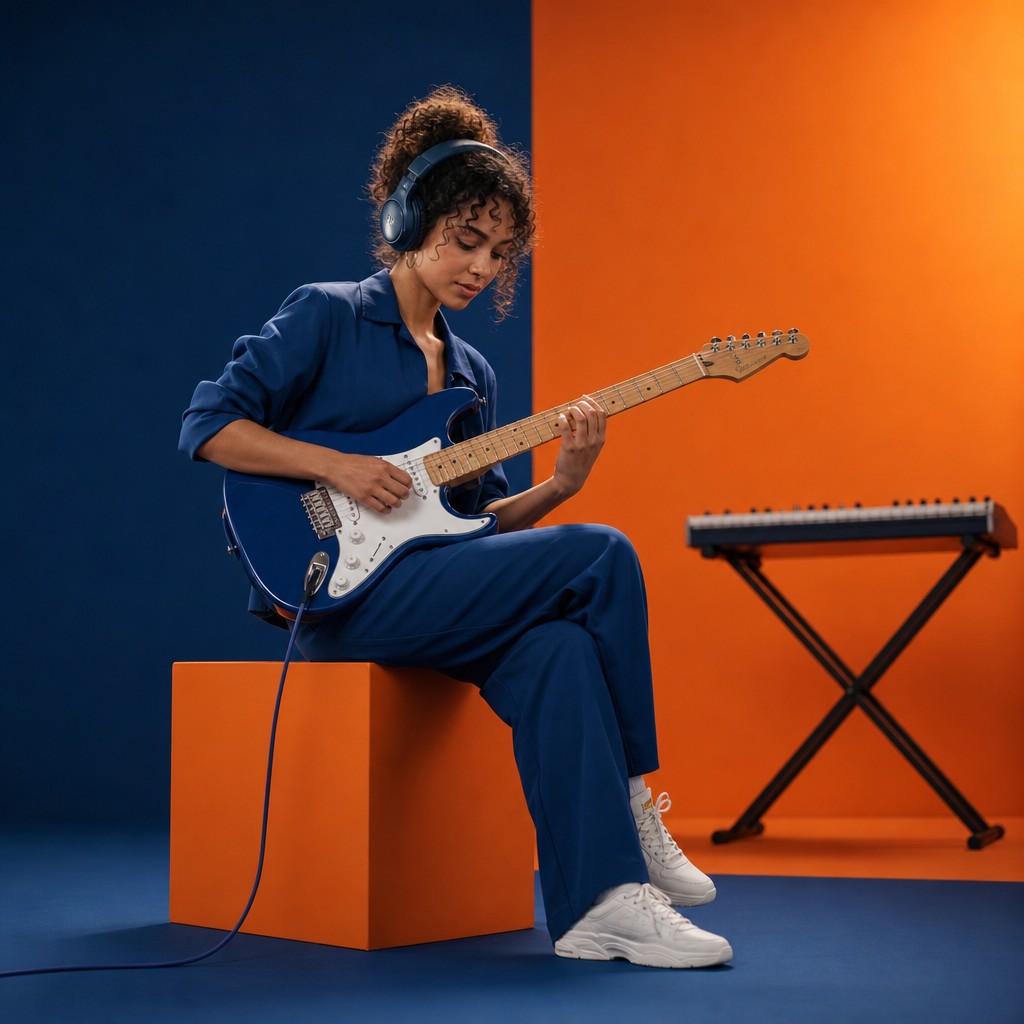
How Donna AI Makes Music Creation Possible for Everyone
For decades, making a song required a mix of musical knowledge, technical skill, expensive software, and plenty of patience. You needed to understand melody, rhythm, song structure, recording, mixing, mastering, and sometimes even music theory. Today, tools like Donna AI are changing that process dramatically by helping complete beginners create original tracks with only an idea, a mood, or a few written instructions.
AI music generation is one of the fastest-growing areas in creative technology. Instead of replacing creativity, platforms like Donna AI make it easier for people to express ideas that might otherwise stay stuck in their heads. Whether you want to create a pop hook, a cinematic background track, a rap verse, a lo-fi study beat, or a catchy jingle for social media, Donna AI lowers the barrier to entry.
Why AI Music Tools Are Becoming So Popular
The rise of AI-assisted music is part of a broader shift in digital creativity. Just as image generators made design more accessible and writing assistants helped people draft articles, AI music platforms are giving non-musicians a practical way to produce audio.
The appeal is simple:
- No music theory required: You do not need to know chords, scales, keys, or arrangements.
- Fast results: A song idea can become a listenable track in minutes.
- Low cost: You can experiment without renting a studio or hiring session musicians.
- Creative flexibility: You can test different genres, moods, and lyrics quickly.
- Beginner-friendly workflow: The process is usually guided and prompt-based.
Donna AI fits directly into this trend by focusing on usability. Instead of asking users to build a song from scratch in a complex digital audio workstation, it turns plain language into music direction.
Step 1: Start With a Simple Song Idea
You do not need a fully developed concept before using Donna AI. In fact, one sentence can be enough. Think about the feeling, purpose, or story behind the song.
For example, you might start with:
- “A cheerful summer pop song about road trips with friends.”
- “A dramatic cinematic track for a fantasy game trailer.”
- “A sad acoustic ballad about missing someone.”
- “An upbeat dance song for a fitness video.”
The key is to describe the mood, genre, and theme. Donna AI can interpret these details and convert them into musical choices such as tempo, instrumentation, vocal tone, and arrangement style.
Beginner Tip
If you are unsure what genre to choose, describe the emotion instead. Words like energetic, romantic, dark, hopeful, dreamy, or nostalgic can guide the AI toward the right sound.
Step 2: Choose a Genre and Mood
Genre gives your song its foundation. A pop track will usually sound very different from a trap beat, country song, rock anthem, or ambient instrumental. Donna AI helps beginners by allowing them to define style without needing to understand technical production terms.
Popular options may include:
- Pop
- Hip-hop
- EDM
- Rock
- R&B
- Country
- Lo-fi
- Cinematic
- Acoustic
- Electronic
Once you select or describe a genre, add a mood. For instance, “uplifting pop” will likely produce a different result than “melancholic pop.” This combination gives Donna AI a clearer creative direction.
Step 3: Add Lyrics or Let Donna AI Help
Lyrics are often the most intimidating part of songwriting for beginners. Donna AI can help by turning a theme into structured lyrics, or you can provide your own lines if you already have them.
A typical song structure might include:
- Verse: Introduces the story or emotion.
- Chorus: Delivers the main message or hook.
- Bridge: Adds contrast before the final chorus.
- Outro: Ends the song smoothly.
If you have no lyrics, start with a short prompt like: “Write lyrics for a motivational pop song about starting over after failure.” Donna AI can generate words that match the musical direction and keep the song cohesive.
Step 4: Generate Your First Version
After entering your idea, genre, mood, and lyrics, the next step is generation. This is where Donna AI turns your instructions into a complete musical draft. The first version may already sound polished, but it should be treated as a creative starting point rather than the final product.
Listen carefully and ask yourself:
- Does the song match the mood I imagined?
- Is the vocal style appropriate?
- Is the chorus memorable?
- Does the tempo feel too fast or too slow?
- Are the lyrics clear and natural?
The advantage of AI music creation is that you can iterate quickly. If something feels off, adjust your prompt and generate another version.
Step 5: Refine the Song With Better Prompts
Prompt refinement is one of the most important skills in AI-assisted creativity. You do not need musical expertise, but you do need to communicate clearly.
Instead of writing: “Make it better,” try something more specific:
- “Make the chorus more energetic and catchy.”
- “Use a softer piano-driven arrangement.”
- “Add a more emotional vocal performance.”
- “Make it sound like a modern radio pop song.”
- “Create a darker version with heavier drums.”
The more precise your direction, the better Donna AI can adapt the output. This is similar to giving feedback to a producer, but in a much simpler and faster way.
Step 6: Use Your Song for Real Projects
Once you have a version you like, you can use the track depending on the platform’s usage rights and licensing terms. AI-generated music can be useful for many modern content needs, including:
- YouTube intros and background music
- TikTok and Instagram Reels
- Podcast themes
- Game prototypes
- Personal music projects
- Marketing videos
- Brand jingles
- Creative experiments
Always review Donna AI’s licensing rules before publishing commercially. This ensures your project remains safe, compliant, and ready for distribution.
Best Practices for Better Results
Even if you have zero music knowledge, a few simple habits can improve your results significantly.
Be Specific but Not Overcomplicated
A strong prompt gives direction without overwhelming the tool. Mention genre, mood, theme, and intended use. For example: “Create an upbeat electronic pop song for a travel vlog, with a bright chorus and positive lyrics.”
Generate Multiple Versions
Do not stop at the first result. AI music tools are excellent for variation. Try three to five versions and compare them. You may discover an unexpected style that works better than your original idea.
Focus on the Hook
For many songs, the chorus or main melody is what listeners remember. If the hook is weak, ask Donna AI to make it more memorable, emotional, or energetic.
Match the Song to Its Purpose
A song for a workout video needs a different energy than a song for a documentary intro. Always think about where the music will be used.
The Future of Beginner-Friendly Music Creation
Donna AI represents a major shift in how people approach music production. Instead of requiring years of training, it gives beginners a creative shortcut while still allowing room for personal taste and direction. This does not remove the value of musicianship; rather, it opens the door for more people to participate in music-making.
For aspiring creators, marketers, influencers, hobbyists, and storytellers, the message is clear: you no longer need to wait until you understand every technical detail. With Donna AI, you can start with an idea and turn it into a real song faster than ever.
Final Thoughts
Making music with zero experience used to feel unrealistic. Now, platforms like Donna AI make it approachable, fast, and surprisingly fun. By starting with a clear idea, choosing a genre and mood, generating lyrics, refining prompts, and testing multiple versions, anyone can create a professional-sounding track.
The most important step is simply to begin. Your first song does not have to be perfect. It only has to capture an idea, emotion, or story worth hearing.
Ready to create your own song?
Turn any idea into a full track with Donna's AI music generator — in minutes, no experience needed.
Try Donna Now
