How to Give Every Song on Your AI Album a Different Role: A 2026 Guide for Donna AI Creators
Build a more compelling AI album with Donna AI by giving every track a distinct role, from the opening song to the emotional closer.
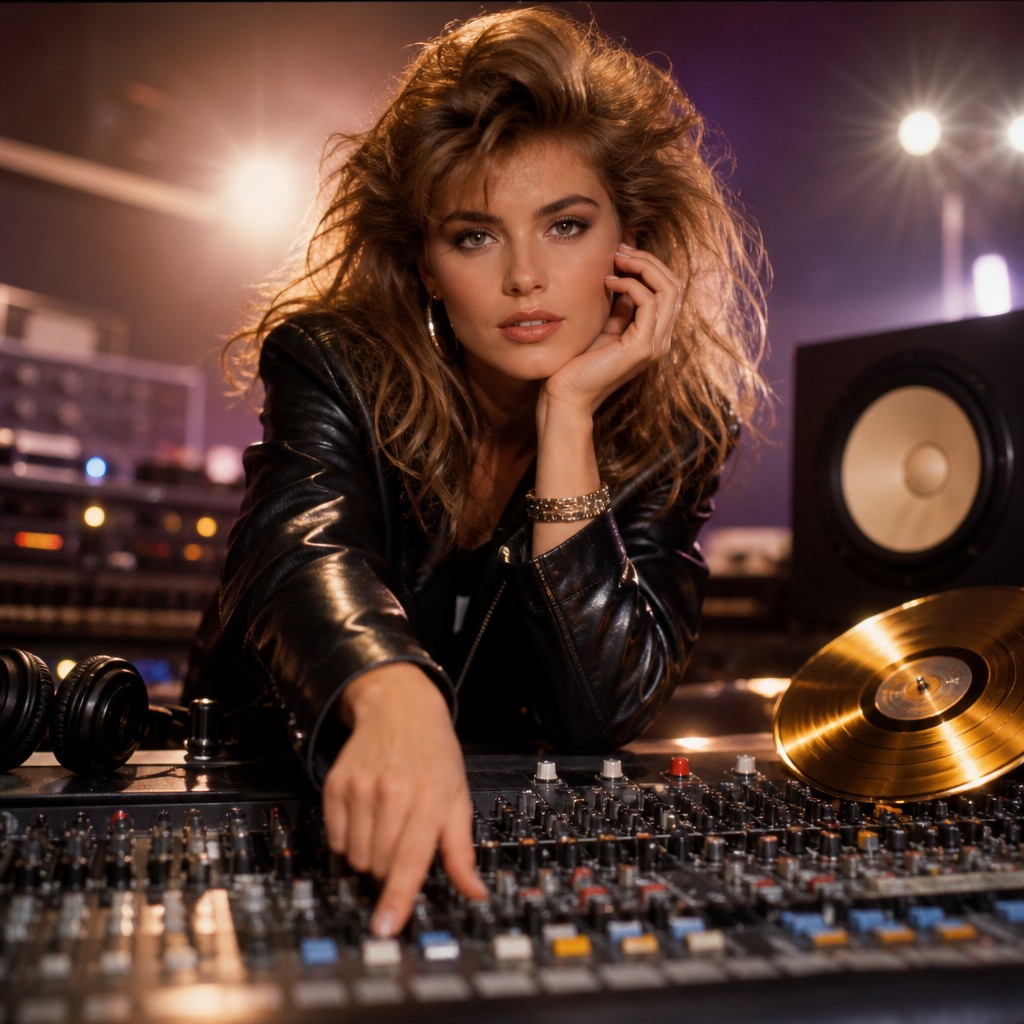
Creating a full album with AI music tools can happen faster than ever. But generating a collection of tracks is only the first step. To make an album feel intentional, each song needs a reason to be there—and a role in the listener’s journey.
Think of an album as a sequence, not a folder. A strong opener welcomes people into its world. A central track reveals what the project is really about. An interlude can offer a breath, while a climax raises the emotional stakes and a closer gives the experience a satisfying landing. With Donna AI, you can explore those roles through tools such as Song Description, Lyrics, Image to Song, AI Cover, Extend, and Stem Separation.
Start with the album’s journey
Before generating every track, write a short description of the album as a whole. What should a listener feel at the beginning, in the middle, and at the end? You might plan a progression from curiosity to confidence, from a late-night mood to morning optimism, or from tension to release.
This does not mean every song needs the same sound. Genre blending can make an album more dynamic, and changes in tempo, instrumentation, or vocal style can create contrast. The key is to connect those choices to the wider idea. A sudden shift feels purposeful when it marks a new chapter; without a reason, it can make a project feel scattered.
Try drafting a simple sequence before you create:
- Opening: Establish the album’s sound and invite the listener in.
- Early highlight: Deliver a memorable hook or introduce a key theme.
- Emotional core: Say something personal, vulnerable, or central to the story.
- Interlude or transition: Change the pace and connect neighboring tracks.
- Climax: Build toward the project’s biggest emotional or musical moment.
- Closer: Resolve the journey, echo an earlier idea, or leave a deliberate question.
Give each track a job
The opener: Make a clear first impression
The first track sets expectations. Use Donna AI’s Song Description to define the mood, energy, and sonic details you want listeners to encounter first. An opener might begin with a distinctive vocal, a brief atmospheric introduction, or a strong rhythm that makes the album’s identity apparent. It does not have to be the loudest song; it should make people want to hear what comes next.
The single: Create an easy entry point
A standout single can be the most immediate track in the sequence, with a memorable chorus, clear concept, or striking vocal performance. If you are using Lyrics, focus on a central phrase or image that listeners can remember after one listen. A single can introduce the album to new audiences while still reflecting its larger themes. If you plan a music video, consider how the song’s imagery and structure might translate into visual scenes.
The emotional core: Make the album matter
This track carries the project’s most revealing idea. It may be quieter than the single, or it may use a dramatic arrangement to make a personal lyric land. Be specific in your Song Description and lyrics: define the emotional perspective, the change the narrator experiences, and the musical details that support that change. Realistic vocals can help a performance feel intimate, but the song’s role comes from the writing and arrangement working together.
The interlude: Give the listener room
An interlude is useful when it changes the album’s pace or helps move between two moods. It could be short, instrumental, or built around a small recurring motif. Image to Song can help you explore a sound from a visual starting point: choose an image that suggests a place, texture, or atmosphere, then use the result as a transition or an idea to develop further. Keep the interlude purposeful; short does not automatically mean meaningful.
The climax and closer: Build, then resolve
The climax should feel earned. It can bring back a melodic idea, intensify a theme introduced earlier, or make a deliberate shift in energy. After that peak, the closer gives listeners a final perspective. It might resolve the album’s central question, repeat an opening image with a new meaning, or end openly. These two tracks do not have to be the same song: separating the peak from the ending can give the album more room to breathe.
Use Donna AI tools to refine the sequence
Once you have a first set of tracks, listen in order and make notes about what each one contributes. If two songs perform the same job, consider changing one track’s perspective, energy, genre, or placement. Extend can help you develop a promising musical idea, while Stem Separation offers a way to work with individual elements of a track during editing. These tools are especially useful when you want to refine a transition, adjust a section, or make the arrangement better serve a song’s role.
For artwork, AI Cover can help establish a visual identity that connects the tracks. The cover does not need to depict every song. Instead, aim for an image that captures the album’s shared mood while leaving room for the music’s contrasts.
A practical final listening check
Play the album from start to finish without stopping to edit. Ask whether the opening creates a clear invitation, whether the middle changes or deepens the experience, and whether the ending feels intentional. Then check for repeated hooks, similar pacing, and abrupt transitions. Make changes based on what the sequence needs—not simply because another generation is possible.
The most compelling AI albums are not necessarily the ones with the most tracks or the most elaborate production. They are the ones where sound, lyrics, visuals, and sequence support a coherent experience. Give every song a distinct purpose, and Donna AI’s creative tools can help you turn a set of generated tracks into an album that feels considered from its first note to its final one.
Ready to create your own song?
Turn any idea into a full track with Donna's AI music generator — in minutes, no experience needed.
Try Donna Now
