How to Describe a Vocal Style Without Naming a Famous Singer: Safer AI Music Prompts for Donna AI
Write safer AI music prompts by describing vocal tone, genre, emotion, and delivery without naming or imitating famous singers.
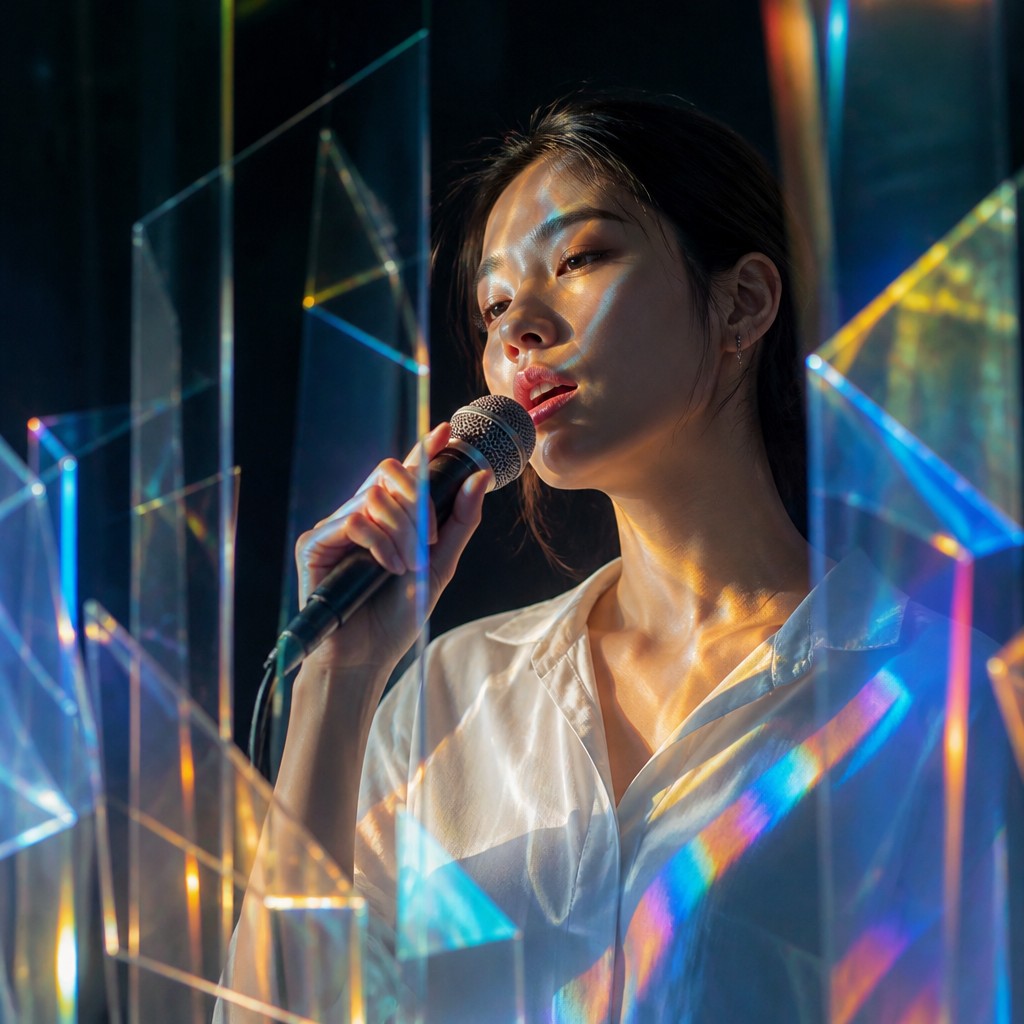
AI music tools make it easier than ever to sketch a song idea, explore a new genre, or build a vocal-led demo. But when a prompt relies on the name of a famous singer, it can blur the line between general creative direction and a request to imitate a recognizable person. A more useful approach is to describe the sound itself: the vocal qualities, musical context, emotion, and performance choices you want to hear.
That change can make prompts more original and more precise. Instead of asking for a voice “like” a particular celebrity, you can specify a warm low register, airy phrasing, restrained vibrato, and an intimate indie-pop arrangement. These details give Donna AI and other music tools practical direction without making a real person the template.
Why describe the sound instead of naming an artist?
A singer’s identity is more than a collection of audio characteristics. A recognizable voice can be tied to a person’s career, reputation, and personal identity. As AI voice generation and voice cloning receive greater public and legal scrutiny, creators benefit from setting clear boundaries between inspiration and imitation. Rules and platform policies can vary, so a prompt that avoids a real person’s name is not a legal guarantee—but it is a useful step toward more responsible creative practice.
There is also a practical benefit: artist references are often vague. One person may associate a singer’s early recordings with a breathy delivery, while another may think of a later, more powerful sound. Describing the qualities directly helps make your intention clearer and gives the generated track room to become its own thing.
A simple formula for vocal prompts
Build your prompt from a few specific ingredients. You do not need to include every detail every time; choose the ones that best serve the song.
- Vocal qualities: register, texture, weight, and clarity—for example, “light alto with a soft, grainy edge.”
- Delivery: phrasing, breath, vibrato, articulation, and dynamics—for example, “close-miked, conversational verses with a gentle lift on sustained notes.”
- Genre and era: describe a broad musical tradition or production context, such as “modern folk-pop with understated acoustic production.”
- Emotion: name the feeling and its progression, such as “wistful at first, then quietly hopeful in the final chorus.”
- Arrangement: explain how the vocal should sit in the track, such as “lead vocal forward, with sparse harmonies entering in the chorus.”
A reusable pattern is: “Create a [genre] vocal with [register and texture], delivered [performance details], conveying [emotion] over [arrangement or production].”
For example: “Create a mellow indie-pop vocal with a clear, mid-range tone and a slight breathiness. Keep the verses intimate and conversational, then open into a more confident chorus. The mood should feel reflective but optimistic, with restrained harmonies and warm guitar.”
Prompt ideas for Donna AI workflows
Song Description
In the Song Description field, focus on the overall sound and how the performance develops. Try: “An original soul-inspired ballad with a rich, rounded lower register, measured phrasing, and subtle vibrato. Start with a restrained, intimate verse and build to a powerful but controlled chorus. Keep the arrangement spacious, with piano, soft bass, and light backing harmonies.”
This prompt describes musical characteristics without pointing the model toward a specific singer. If the result is too polished, add “natural vocal texture and minimal processing.” If the chorus feels too forceful, specify “emotional intensity without belting.”
Lyrics
Lyrics prompts can guide performance through the words themselves. Add concise directions in brackets where they are helpful, such as [soft, close-miked verse], [pause before the final line], or [gentle harmony on the last chorus]. Keep these instructions focused on delivery rather than asking for a particular person’s vocal mannerisms. Avoid overloading every line with production notes; too many directions may compete with the lyric’s meaning.
AI Cover
When working with an AI Cover feature, use material and voices only when you have the necessary rights or permission, and follow the tool’s current rules. Avoid requests that seek to reproduce a living or otherwise identifiable singer’s voice. If you want a different interpretation, describe the transformation instead: “Reimagine this track as a restrained acoustic version, with a lower-register lead, gentle phrasing, and a reflective mood.” Keep the focus on arrangement, genre, and performance choices rather than identity.
Music video workflows
A video prompt can carry the same original direction into visuals. Describe the performer as a fictional character and connect the scene to the song’s mood: “An original singer performs in a small rehearsal room at dusk, with warm practical lights, candid close-ups, and a gradual shift from solitude to confidence.” Do not use a celebrity’s name or likeness as a shortcut for casting or appearance. A distinct character concept helps your video feel cohesive and avoids suggesting an endorsement or real-person performance.
Refine with targeted changes
If a generated vocal misses the mark, adjust one or two descriptive elements at a time. Swap “bright” for “dark,” ask for less vibrato, or change “dramatic” to “understated.” This makes it easier to learn which words influence the result. Keep useful prompt versions so you can return to a direction that works, and listen critically for unwanted similarity to a recognizable voice.
Make originality part of the workflow
The strongest prompt is not the one that names the most references. It is the one that communicates your creative goal clearly. By describing tone, delivery, emotion, genre, and arrangement, Donna AI users can guide an expressive performance while leaving room for a distinct result. Start with the song you want to make, choose precise musical language, and revise toward a sound that feels like your own.
Ready to create your own song?
Turn any idea into a full track with Donna's AI music generator — in minutes, no experience needed.
Try Donna Now
