How to Create a Motorcycle Road Trip Anthem with Donna AI for Your Next Ride
Create a custom motorcycle road trip anthem with Donna AI. Turn route ideas, photos, lyrics, and open-road moods into music and shareable videos.
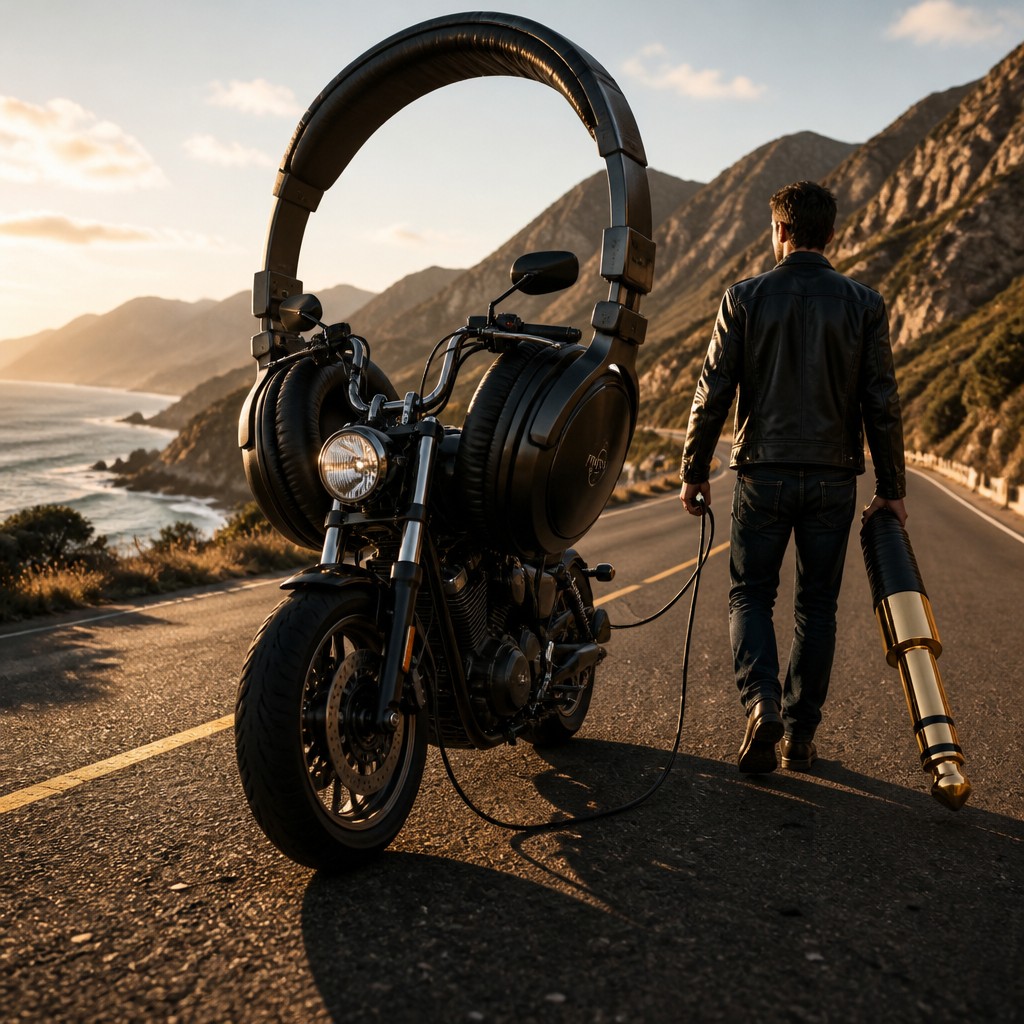
Make Your Next Motorcycle Ride Sound Like an Adventure
A great motorcycle road trip has its own soundtrack: the steady pulse of the engine, the rush of open air, and the changing scenery unfolding around every bend. Whether you are planning a weekend escape, documenting a cross-country journey, or making a short social video, a custom anthem can help capture the feeling of the ride.
With Donna AI, you can turn a route, a mood, a photograph, or a few lines of lyrics into an original track. You do not need a studio or music-production experience to get started. Instead, you can build a creative idea step by step, then shape it into music and visuals that feel personal to your trip.
1. Start with the Feeling of the Ride
Before creating a song, decide what you want it to evoke. Is this a sunrise departure through quiet backroads, a high-energy ride along a coastal highway, or a relaxed weekend trip with friends? A clear mood gives your track a stronger creative direction.
Think about a few details that make the journey yours:
- The kind of roads and scenery on your route
- The pace and atmosphere you want the music to convey
- The people, places, or memories that matter to the trip
- The genre or sound that suits your riding style
Try describing the experience in a sentence, such as: “A bold, uplifting rock anthem for a long ride through mountain passes, with a sense of freedom and a big chorus.” This description can serve as a useful starting point for Donna AI’s Song Description tool.
Build a specific song description
A prompt does not need to be complicated, but concrete details help communicate your idea. You might mention driving guitars, a steady drum groove, a cinematic opening, or lyrics about chasing the horizon. You can also describe how the track should change, such as beginning quietly and growing into an energetic chorus. Treat the first result as a draft: adjust the description if you want a different mood, tempo, or musical direction.
2. Add Words That Belong to Your Journey
Lyrics can make an anthem feel connected to a particular trip. Use Donna AI’s Lyrics tool to explore lines around a route, a destination, a riding crew, or a memorable moment. You could write a short phrase yourself, ask for help developing a theme, or combine your own words with new ideas.
For more personal results, include details that could not describe just any road trip. A named pass, a favorite roadside stop, the first light over a familiar landscape, or the promise of meeting friends at the next town can give a song a stronger sense of place. Keep the wording easy to sing and avoid adding so many details that the central idea gets lost.
3. Turn a Travel Photo into a Musical Starting Point
A photograph can be an effective creative prompt. Choose a picture that captures the character of your ride: a bike parked beside a scenic overlook, a winding road disappearing into the distance, or a group gathered at a stop along the way. With Image to Song, you can use that visual memory as inspiration for a track.
Consider what the image suggests before you generate music. A quiet landscape may call for a reflective, spacious sound, while a colorful group photo might inspire something upbeat and celebratory. The goal is not simply to describe what appears in the picture; it is to translate its atmosphere into music you can use in a recap, slideshow, or travel post.
4. Create a Video That Complements the Music
Once you have a track, Donna AI’s AI Music Video tool can help you develop a visual companion. Think about how the video should support the song’s energy. Scenic clips can emphasize the journey, while quick cuts and riding details may suit a more driving rhythm. For social-first content, plan around a concise story: the departure, the best views, and the moment that makes the trip memorable.
Use footage and images you have permission to share, and avoid filming or handling a phone while riding. Capture content safely when parked or have a passenger manage recording. A compelling motorcycle video does not require risky camera work; thoughtful shots at stops can tell the story just as well.
5. Give the Track a Memorable Cover
A finished song can feel more complete with artwork. Donna AI’s AI Cover tool can help create a cover image that reflects the track’s mood and makes it easier to present as a polished project. You might use a bold road-inspired look for an energetic anthem or a softer visual treatment for a reflective travel song. Keep the title readable and the design consistent with the photos or video you plan to share.
Bring the Pieces Together
A simple workflow can take you from idea to shareable road-trip content:
- Choose the trip mood and write a focused song description.
- Add lyrics or themes inspired by your route and riding memories.
- Use a photo with Image to Song if you want to begin visually.
- Refine the track until its energy fits your story.
- Create a companion video and cover artwork for sharing.
The best motorcycle road trip anthem is not necessarily the loudest or most elaborate. It is the one that brings your journey back when you hear it again. By combining open-road inspiration with Donna AI’s music and visual tools, riders and travel creators can turn the character of a ride into a soundtrack that is distinctly their own.
Ready to create your own song?
Turn any idea into a full track with Donna's AI music generator — in minutes, no experience needed.
Try Donna Now
