How to Choose a Color Palette for Your AI Music Video in Donna AI
Choose a color palette for your Donna AI music video that reflects your song’s mood, genre, lyrics, and visual theme.
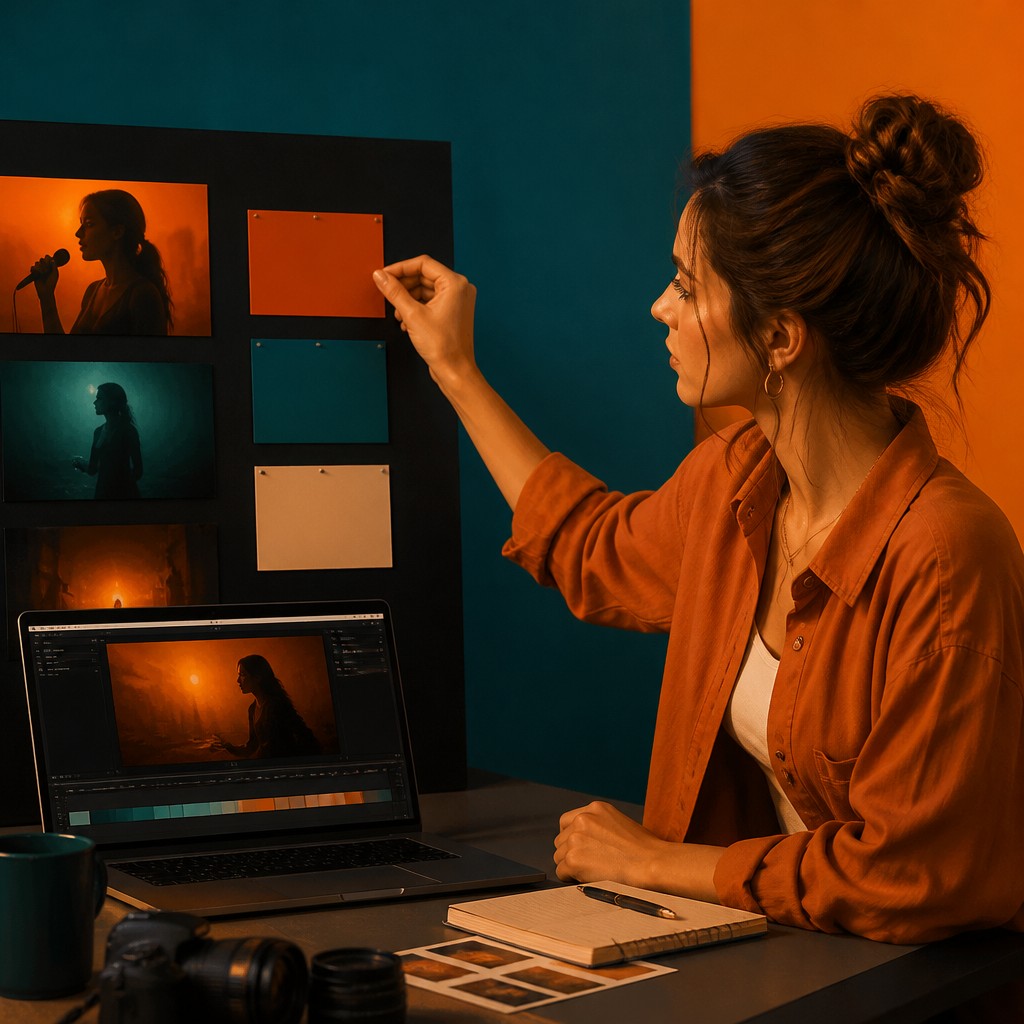
A strong music video does more than illustrate a song: it gives the sound a visual identity. Color is one of the quickest ways to create that connection. A warm amber glow can make a track feel intimate, while cool blue tones might suggest distance, reflection, or a late-night atmosphere. When you create an AI music video with Donna AI, choosing a palette that supports the song can help your scenes feel more cohesive, cinematic, and ready to share.
The best palette is not necessarily the brightest or trendiest one. It is the one that helps viewers feel what the music is expressing. Here is a practical way to find yours.
Start with the feeling of the song
Before picking colors, describe the emotional center of the track in a few words. Is it hopeful, restless, nostalgic, playful, or melancholic? Think about the feeling you want a viewer to carry from the first scene to the last.
Color associations can be a useful starting point, not a strict set of rules:
- Warm reds, oranges, and golds can suggest energy, passion, comfort, or a sunset-like sense of nostalgia.
- Blues and blue-greens often work well for reflective, dreamy, cool, or spacious moods.
- Soft pastels can make a video feel gentle, romantic, whimsical, or light.
- Deep purples and dark neutrals can support dramatic, mysterious, or nocturnal themes.
- Bright, saturated colors can bring a playful or high-energy track to life.
Consider using Donna AI’s Song Description as a creative reference. Identify the mood and imagery in the description, then translate those ideas into a small set of visual colors. For example, a description that evokes a quiet, rainy city might inspire slate blue, muted lavender, and a small warm accent from streetlights.
Let genre guide the palette, not limit it
Genre can suggest a visual direction, but it should not dictate every choice. An upbeat pop song might suit vivid colors and clean contrast, while an acoustic ballad could feel natural with softer earth tones. Electronic music may invite neon accents or futuristic gradients, and a rock track might benefit from rich shadows and sharper color contrasts.
Use those conventions as a starting point, then look for one detail that makes the video feel specific to your song. A folk-inspired track could use an unexpected cobalt accent; a dance track might pair neon colors with a more muted background. That balance between familiar and distinctive helps give the visuals personality without making them feel disconnected from the sound.
Find a visual thread in the lyrics
Lyrics often provide concrete images that can guide your color choices: a season, a place, a particular hour, or an object that carries emotional weight. Choose a few recurring details instead of trying to represent every line literally. A song about leaving home, for instance, could move from warm indoor light toward cooler open-road colors as its story unfolds.
If you are working from an image with Image to Song, use the source image as another clue. Notice its dominant colors, lighting, and atmosphere. You can echo one or two of those qualities in the video palette so the song and visuals feel connected, while still allowing the video to develop its own look.
Build a simple palette before generating scenes
A useful palette does not need many colors. Start with three roles:
- A base color for the overall environment or background.
- A supporting color to add variation across scenes.
- An accent color for memorable details, highlights, or moments of emphasis.
You can also decide whether the palette should stay consistent throughout the video or evolve with the song. A steady palette can make a performance or portrait-focused video feel unified. A gradual shift can help communicate a change in mood, such as moving from muted tones in a verse to brighter colors in a chorus.
Carry the palette into Donna AI’s video themes and prompts
When choosing an AI Music Video theme, look for a direction that complements your palette and the song’s emotional tone. A theme provides a broad visual framework; custom scene prompts can make the individual moments more personal. Describe colors in practical terms—such as “soft golden window light,” “cool blue evening haze,” or “deep green shadows with warm highlights”—and connect them to the setting or action.
Consistency matters. If the video is meant to feel like one continuous world, repeat a few color cues across your scene prompts. You do not need to repeat the exact same description every time. Instead, keep the same visual ingredients—lighting temperature, dominant hue, or level of contrast—while varying the scenery and composition.
Make portrait-based visuals feel intentional
Portrait-based visuals can benefit from a palette that supports the subject rather than competing with them. Consider how clothing, background, and lighting work together. A restrained background can help a brightly colored outfit stand out, while soft, coordinated tones can create a quieter and more intimate impression. When a portrait appears alongside other scenes, reuse a color accent or lighting style to connect the images visually.
Review the video as a whole
After generating your video, watch it from beginning to end rather than judging each scene separately. Ask whether the colors fit the track, whether important moments stand out, and whether any scene feels like it belongs to a different visual world. If a shot feels out of place, adjust its prompt or simplify its colors instead of adding more detail.
A thoughtful palette helps viewers recognize the mood of a Donna AI song before they have even heard every lyric. Start with the emotion, borrow clues from genre and imagery, and use scene prompts to carry a few colors consistently through the video. With a clear visual thread, your AI-generated music video can feel more expressive, memorable, and distinctly yours.
Ready to create your own song?
Turn any idea into a full track with Donna's AI music generator — in minutes, no experience needed.
Try Donna Now
