Choosing the Right AI Music for a Travel Vlog: Donna AI Soundtrack Guide for 2026 Creators
Discover how to choose AI music for travel vlogs with Donna AI, from destination-inspired moods to flexible tracks, vocals, and stems.
import Image from 'next/image';
Choosing the Right AI Music for a Travel Vlog: Donna AI Soundtrack Guide for 2026 Creators
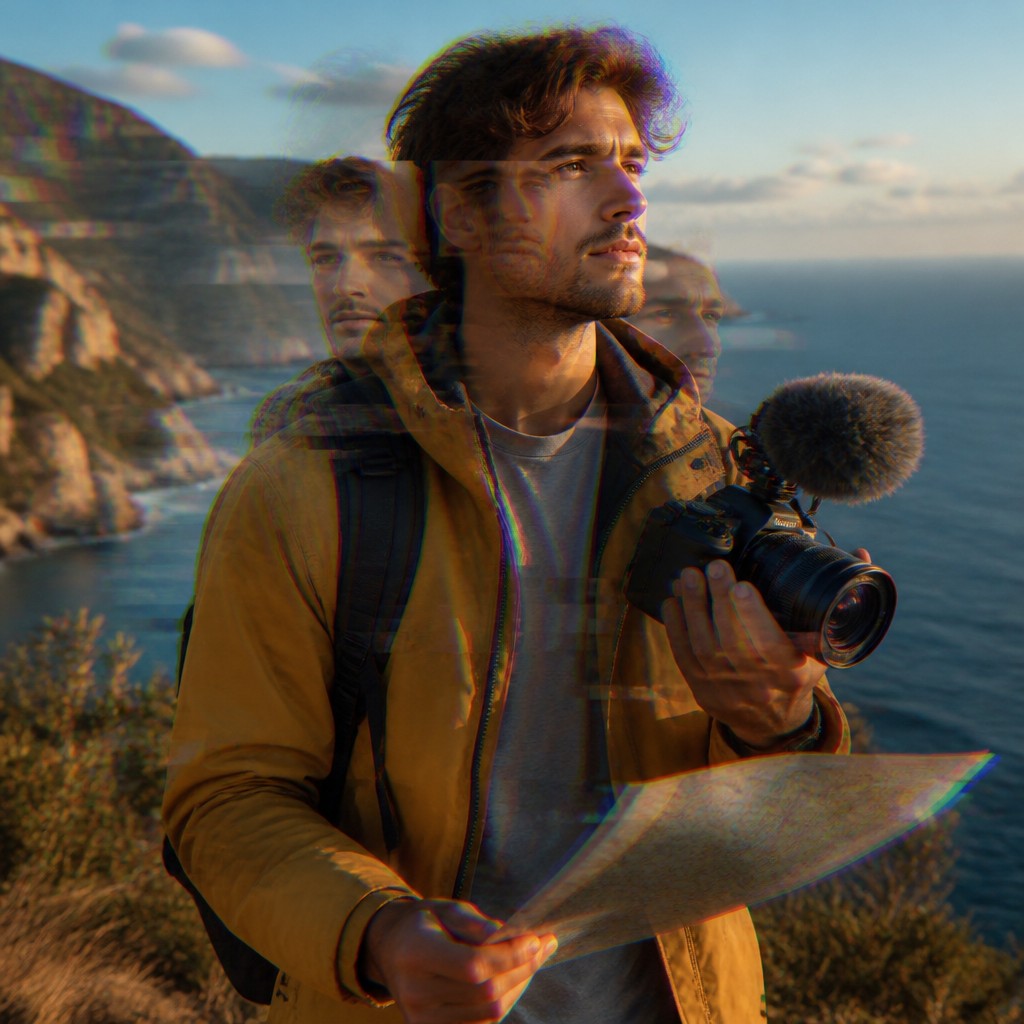
Travel videos take viewers somewhere new, but the right soundtrack helps them feel the journey. For creators publishing on YouTube, TikTok, and Instagram, music can set a scene, shape the pace, and make a memorable moment land. AI-generated music offers a practical way to explore soundtracks that fit a specific edit, without waiting for a traditional production process.
Start with the feeling of the destination
Before choosing a genre, decide what you want the audience to feel. A lively city montage might call for bright, energetic pop or electronic sounds. A quiet coastal sunrise may suit gentle acoustic textures, while a mountain road sequence could benefit from cinematic builds and spacious instrumentation. The destination is a useful starting point, but the emotional point of view matters just as much.
Donna AI’s Song Description feature gives creators a way to describe that intention in everyday language. Instead of searching through broad labels alone, explain the scene, energy, and sound you have in mind. For example, you might describe a warm, playful track for a street-food tour or a reflective instrumental for a train ride through the countryside. Specific descriptions can help guide the music toward the story you are editing.
Match music to the edit’s pacing
A travel vlog rarely moves at one speed. It may shift from a slow establishing shot to a fast sequence of landmarks, then settle into a personal reflection. Think about the soundtrack as part of that structure rather than a continuous layer chosen at random.
- Opening: Use a clear musical idea that quickly introduces the destination and tone.
- Montage: Choose a steady pulse that supports cuts without overwhelming visual details.
- Quiet moments: Leave room for atmosphere, natural sound, or spoken narration.
- Final scene: Consider a satisfying resolution that makes the journey feel complete.
Donna AI’s mood and genre selection can help narrow the creative direction. Treat those choices as starting points: preview the result against the actual footage and adjust your prompt or selections when the music competes with dialogue or changes the mood in an unintended way.
Turn travel imagery into a musical starting point
Sometimes a creator has a strong visual reference but no clear musical vocabulary. Image to Song can help bridge that gap by using an image as inspiration for music. A landscape, color palette, or travel photograph might suggest a particular atmosphere to explore. The result is a creative prompt—not a substitute for editorial judgment—so listen carefully and decide whether it serves the story you want to tell.
Creators can also explore AI music videos as part of a wider visual workflow. These tools may be useful when developing supporting creative assets, testing a concept, or building a cohesive look around a track. Keep the vlog itself focused: music and visuals should reinforce the experience rather than distract viewers from the destination.
Make the soundtrack fit the cut
A generated track may not match the length of a scene perfectly. Donna AI’s track extension can help when a musical idea needs more room, such as for a longer scenic sequence or a transition that deserves a slower build. Always review the extended section in context. Check that the energy, rhythm, and ending feel natural alongside the footage.
If your vlog benefits from a human touch, realistic vocals can offer another direction to explore. Vocals may suit a travel montage or a stylized sequence, but instrumental music is often a better fit under voiceover. Test both approaches and prioritize clear narration whenever the story depends on what you are saying.
Fine-tune with stems and check usage terms
Stem separation can make a soundtrack more adaptable by separating musical elements for editing. Depending on the available stems, a creator may be able to reduce a busy layer, make room for ambient sound, or adjust how the music sits beneath speech. Small changes can make the final mix feel more intentional without requiring a complete rewrite of the scene.
Before publishing, check Donna AI’s current usage terms and the rules of each platform. Confirm that your intended use is covered, especially for commercial projects, sponsored posts, or monetized channels. Keep a record of the track and any relevant project details, and listen to the finished video on both headphones and mobile speakers.
A practical workflow for travel creators
A reliable process is simple: identify the scene’s emotion, describe it clearly, choose a mood and genre, generate options, and test the strongest candidate against the edit. Use extensions when the timing calls for them, consider vocals only when they support the story, and use stems to refine the mix. The best AI music for a travel vlog is not merely a track that sounds good on its own. It is music that helps viewers feel present in the journey while leaving the destination, dialogue, and creator’s perspective room to shine.
Ready to create your own song?
Turn any idea into a full track with Donna's AI music generator — in minutes, no experience needed.
Try Donna Now
